Pick your target
Hold your finger on a passing car to lock the radar.

Radar Duty: Speed Patrol
Aim the radar, read the speed, and pull over speeders in short shifts.
First, join the testers group. The Google Play page becomes available after tester registration with the same Google account.
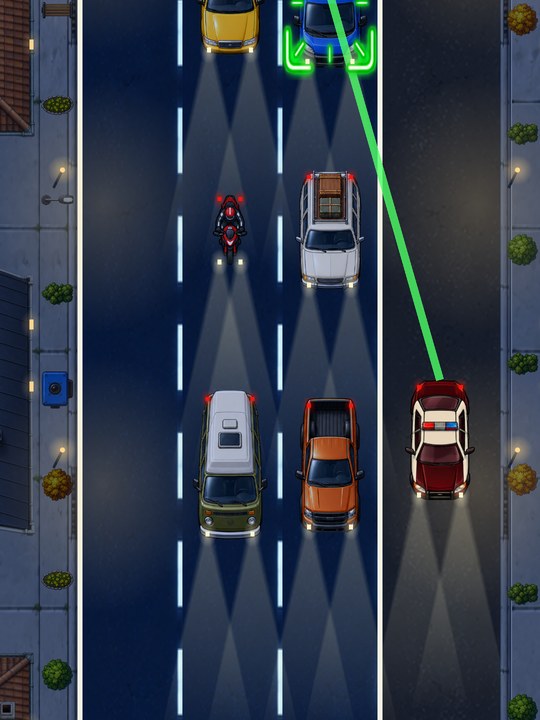
View screenshots ↓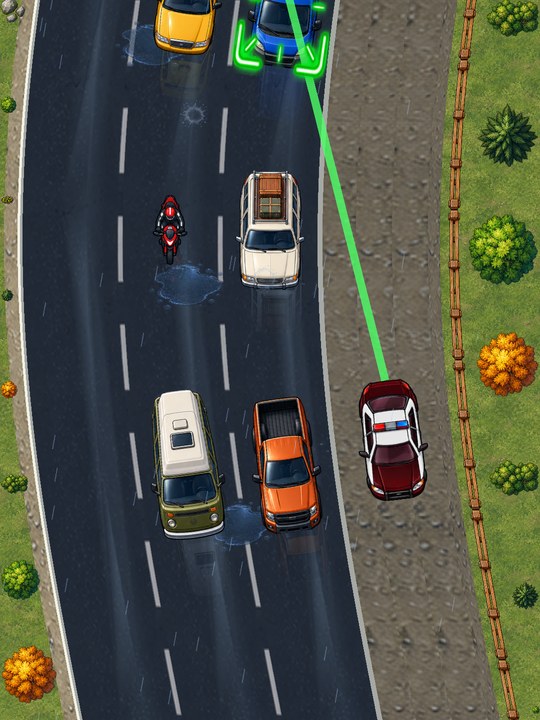
Gameplay video will be added here.
Hold your finger on a passing car to lock the radar.
Check the reading against the speed limit.
Pull the car over or let it go. Keep an eye on the next one.
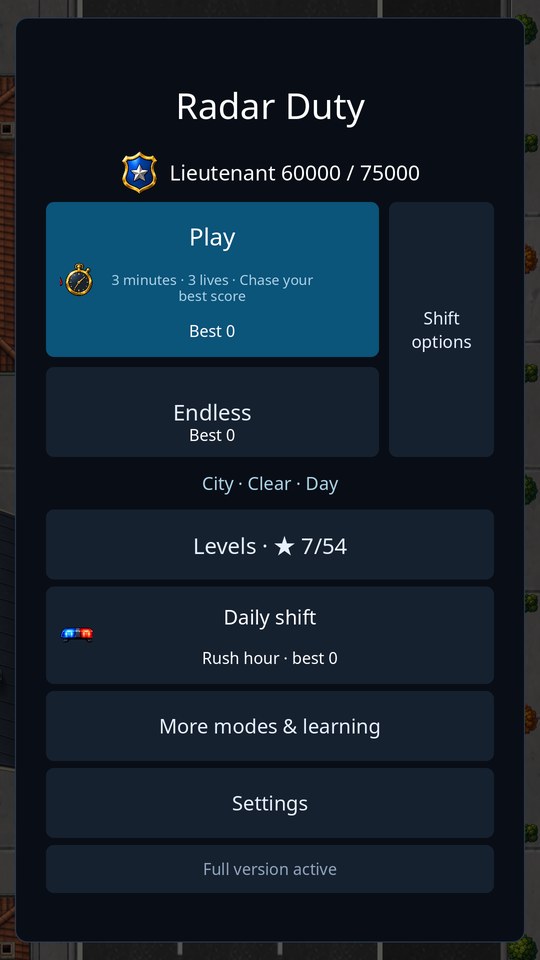
Play timed shifts or try Endless mode.
Stay focused through weather, traffic and day or night shifts.
Explore the patrol campaign and daily shift.
Select a screenshot to enlarge.
Follow these three steps in order. Use the same Google account for the group, testing registration, and Google Play on your Android phone.
The Google Play game page is available to your account after you register as a tester. This is testing access, not a public release.
If the game page is unavailable, check that you have registered as a tester and are signed in with the same Google account. If it still does not work, contact us.
A public release date has not been announced. The Google Play link on this page provides access to registered testers using the same Google account they used to join testing.
Radar Duty is being developed for Android.
Join the testers group, use the Join testing button to register as a tester, then open the game’s Google Play page. Use the same Google account for all three steps.
Visit Support. Include your game version, Android version, device model and the steps that led to the problem.
Read the privacy policy and terms of use for Radar Duty.

Also from LeftyByte
Another kind of challenge.